ProductWho it's forInbox AIReport StudioPricingGet startedFAQ
Launching 4 January 2027· 3 MONTHS OF TEAM FREE

Every project.
Under control.

Enesy is the AI-native project management OS that connects your schedule, RAID, cost, decisions, reporting and project email in one governed record — so you can see what is happening, understand why, and decide what to do next.
No card requiredFree tier, forever
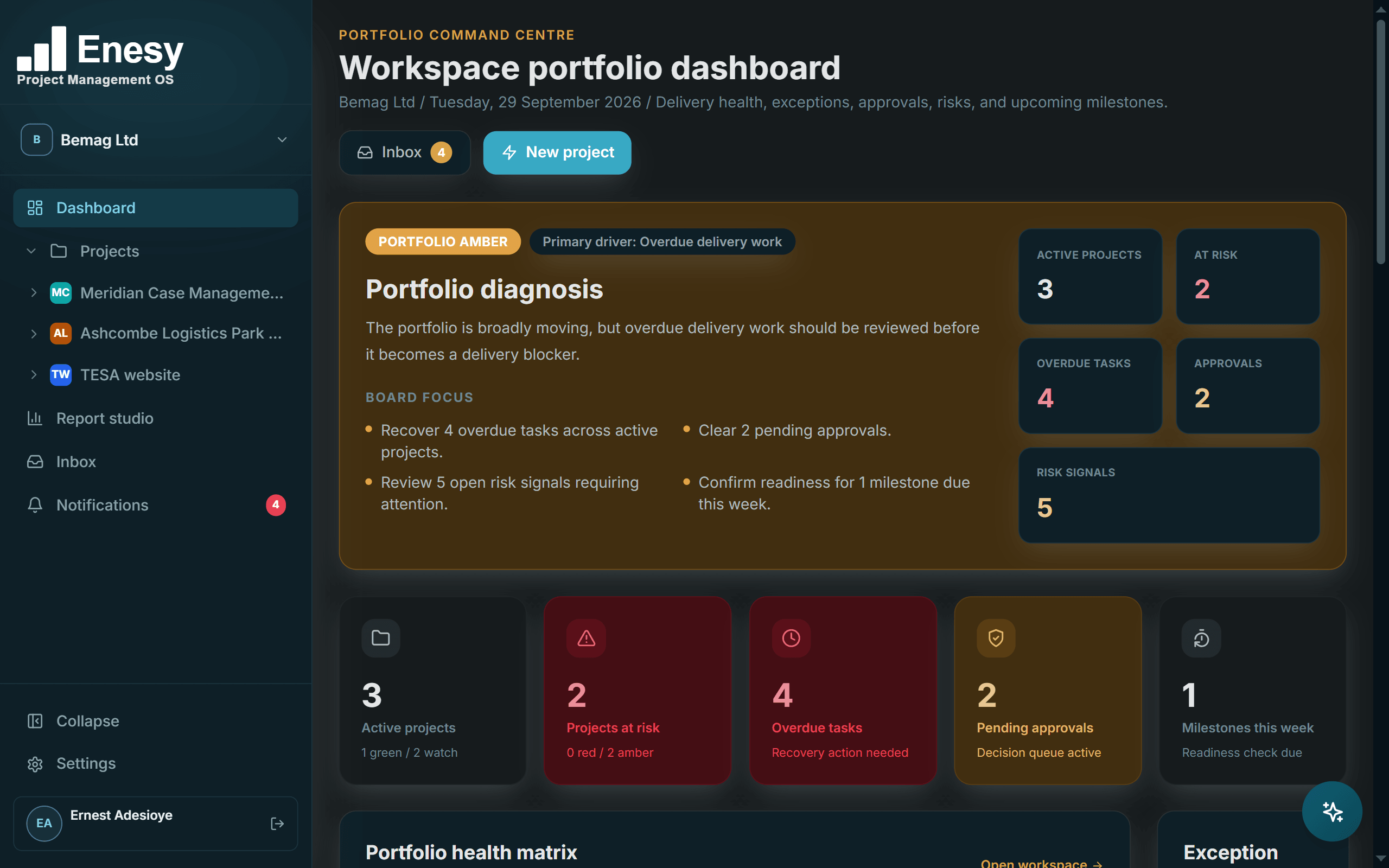
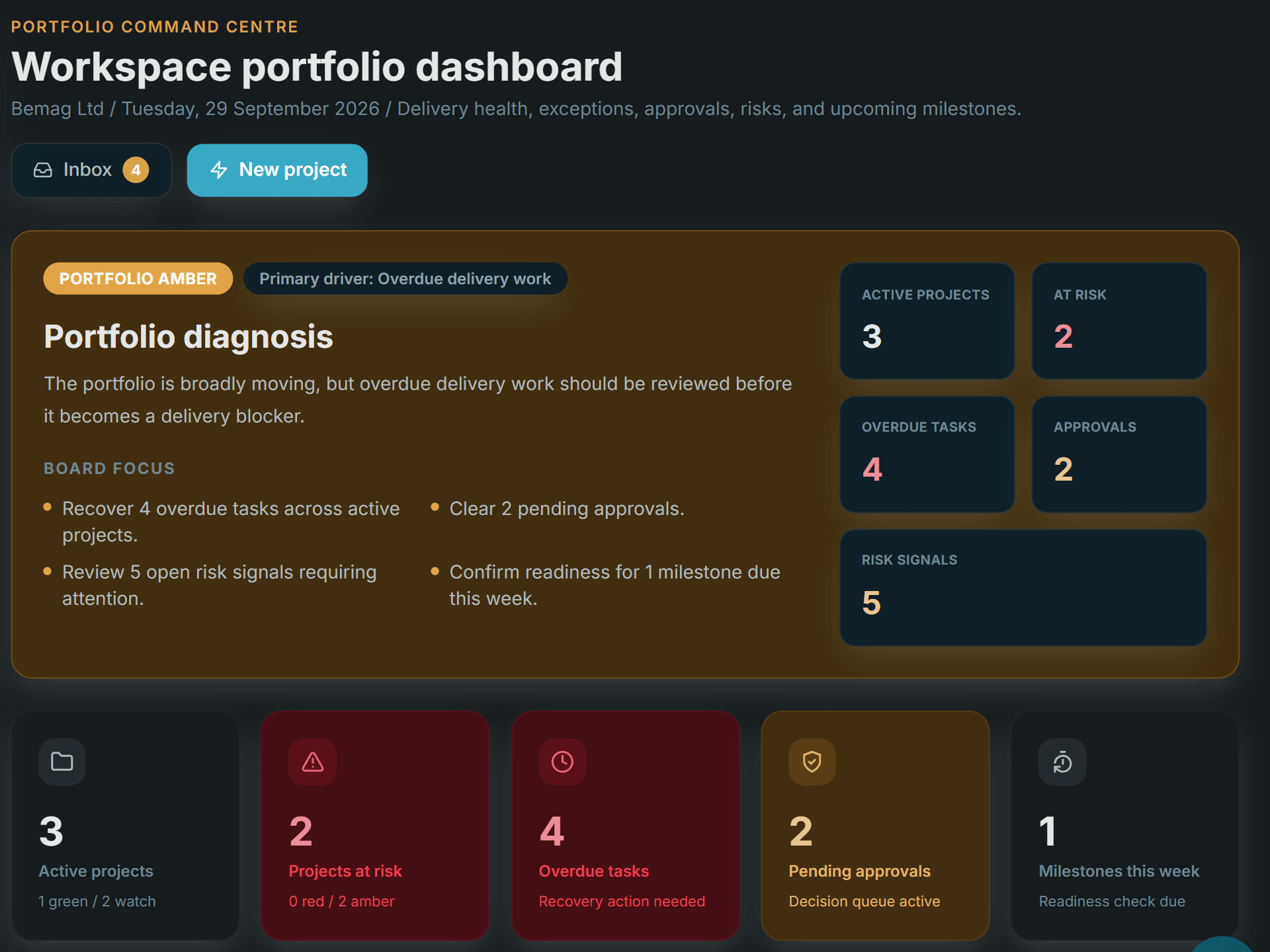
Enesy portfolio dashboard with portfolio RAG, overdue tasks, pending approvals and the project health matrixEnesy portfolio dashboard with portfolio RAG, overdue tasks, pending approvals and the project health matrix

Portfolio — Portfolio RAG, overdue work, approvals waiting and milestones due — across every project.

Portfolio dashboardSchedule & GanttMS Project importRAID registerEarned value · CPI / SPIDecisions & approvalsFollow-up & commitmentsRAG status updatesImmutable audit trailInbox AIReport StudioBoard packs to PowerPoint
One project. One record.

Five documents that drift apart. One record that doesn't.

In most teams the programme, the RAID log, the cost tracker, the decision log and the board pack are separate files that disagree the moment one is updated. Enesy keeps one record and generates every view from it — which is also why Enesy AI can answer questions across all of it.

XLSX
RAID_log_v7_FINAL.xlsx
Risk scores typed by hand
XLSX
Cost_tracker_Sep.xlsx
Actuals a month behind
DOCX
Decision_log.docx
Rationale in someone's inbox
MPP
Programme_rev_C.mpp
One licence, one editor
PPTX
Board_pack_P6.pptx
Re-typed every month
EnesyOne record
  • Schedule & Gantt Live
  • RAID register Live
  • Earned value Computed
  • Decisions & approvals Audited
  • Board pack Generated

Every view reads the same record, so the board pack can't disagree with the register — and the audit trail means something.

A web is only as strong as the point that holds it together.

For more than a decade I delivered projects across construction, energy, IT and the public sector using tools that never spoke to each other: a RAID log here, a Gantt chart there, decisions buried in an inbox, documents in yet another folder. The only thing connecting them was the project manager's memory. Enesy is the centre that web was missing. Schedule, RAID, cost, decisions, inbox and reporting sit in one system, so the connections live in the software, not in your head.

Ernest Adesioye FAPM, founder.
Who it's for

Built for the people who answer for delivery.

If a board, a sponsor or a client asks you where the project really stands, Enesy is built for you. Three kinds of team get the most from it on day one.

Capital programmes & construction

“Are we still going to deliver?”

A Gantt with planned cost on every line, a cost baseline and earned value, so the monthly cost report is already written when the QS asks for it.

Opens first: Cost & performance
PMOs & portfolio leads

“Where do I need to intervene?”

One view across every project — portfolio RAG, overdue work, approvals waiting and milestones due this week — without chasing five spreadsheets.

Opens first: Portfolio dashboard
Delivery agencies & consultancies

“What does the client need to know?”

Client-ready reports drawn from live project data, with white-labelled covers — your logo, your colours — on the Agency plan.

Opens first: Report Studio
Governance is the product

Built for delivery that has to stand up to scrutiny.

Most tools bolt a risk log onto a to-do list. Enesy starts from the disciplines a PMO actually runs — schedule, RAID, earned value, controlled decisions — and makes them fast enough to use every day.

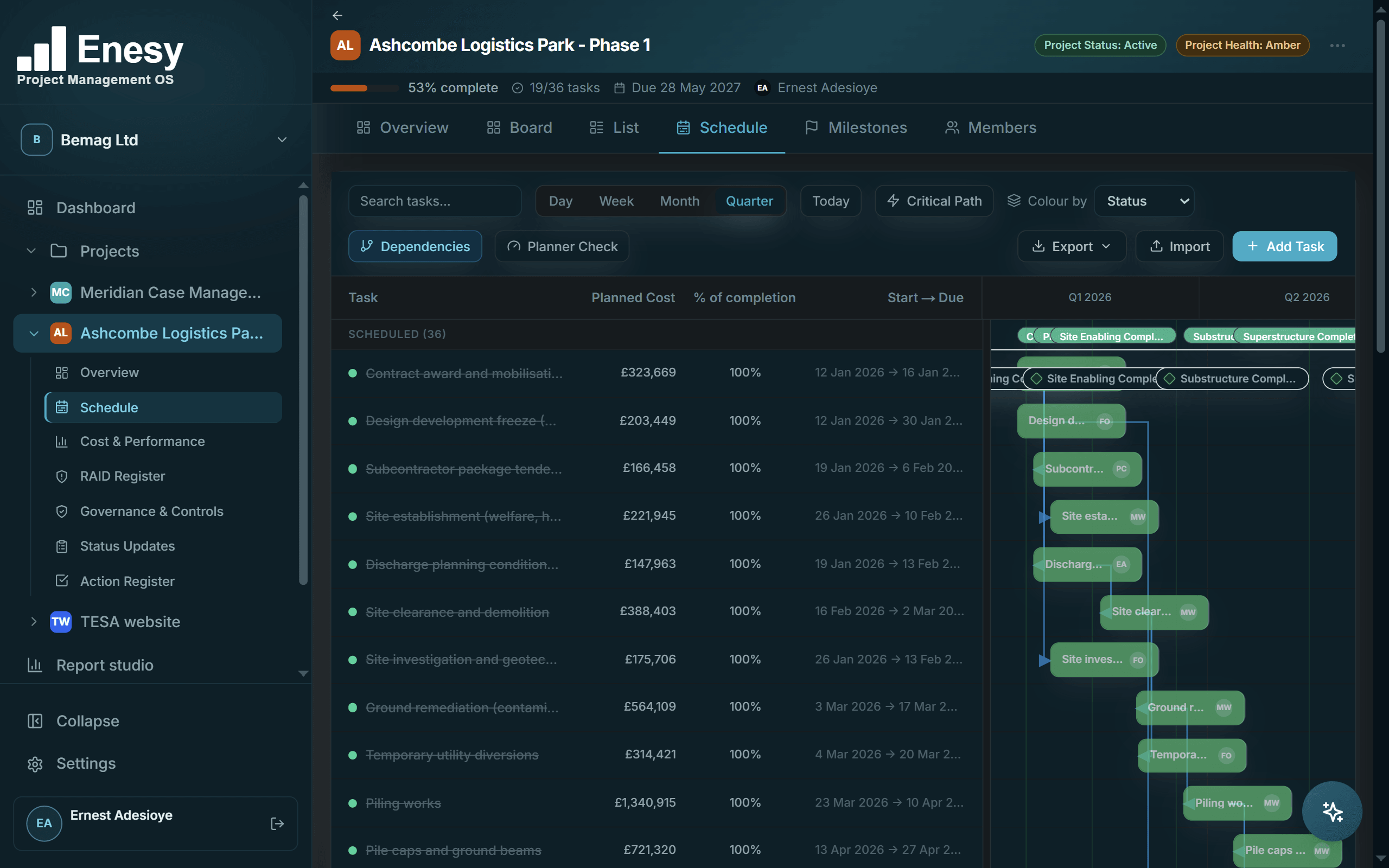
Schedule & Gantt

Plan it once. See the knock-on straight away.

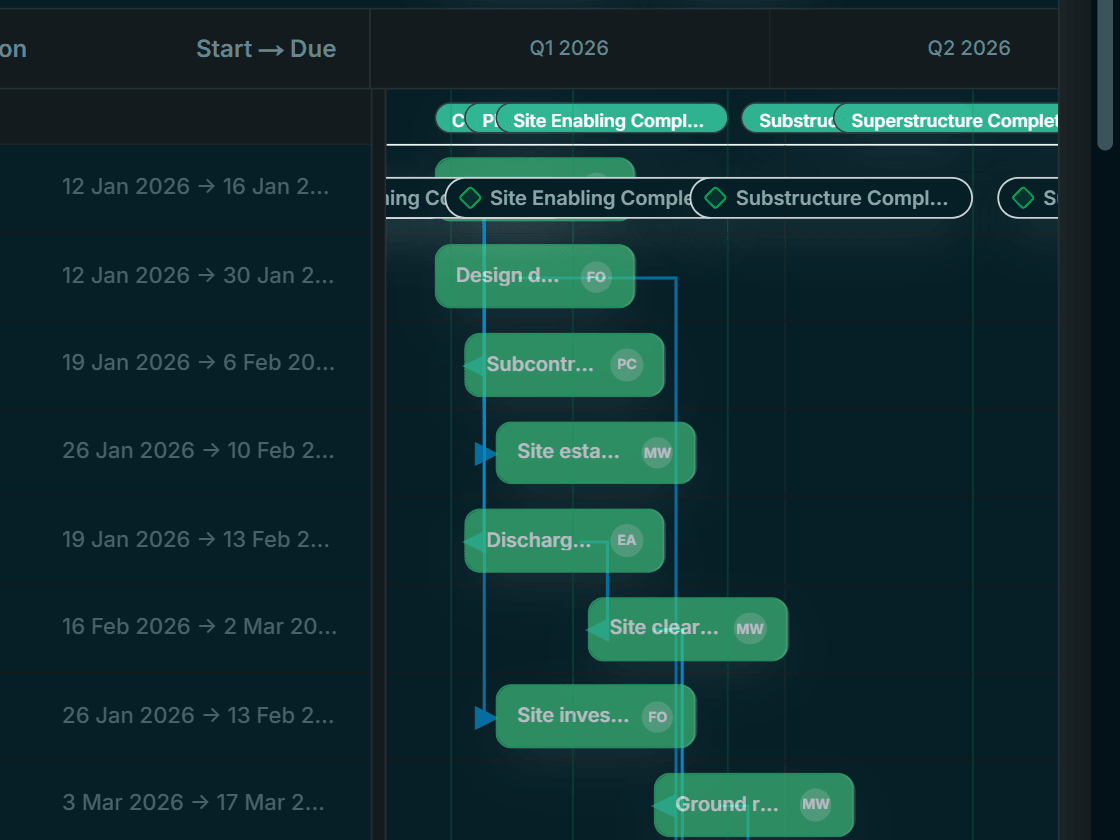
Tasks, milestones and dependencies on one Gantt, with planned cost on every line so the schedule and the budget never disagree. Trace the critical path, switch from day to quarter view, export in a click.
Import · MS Project XML · Excel · CSV · PDF
Enesy Gantt chart with milestones, planned cost per task and finish-to-start dependenciesEnesy Gantt chart with milestones, planned cost per task and finish-to-start dependencies
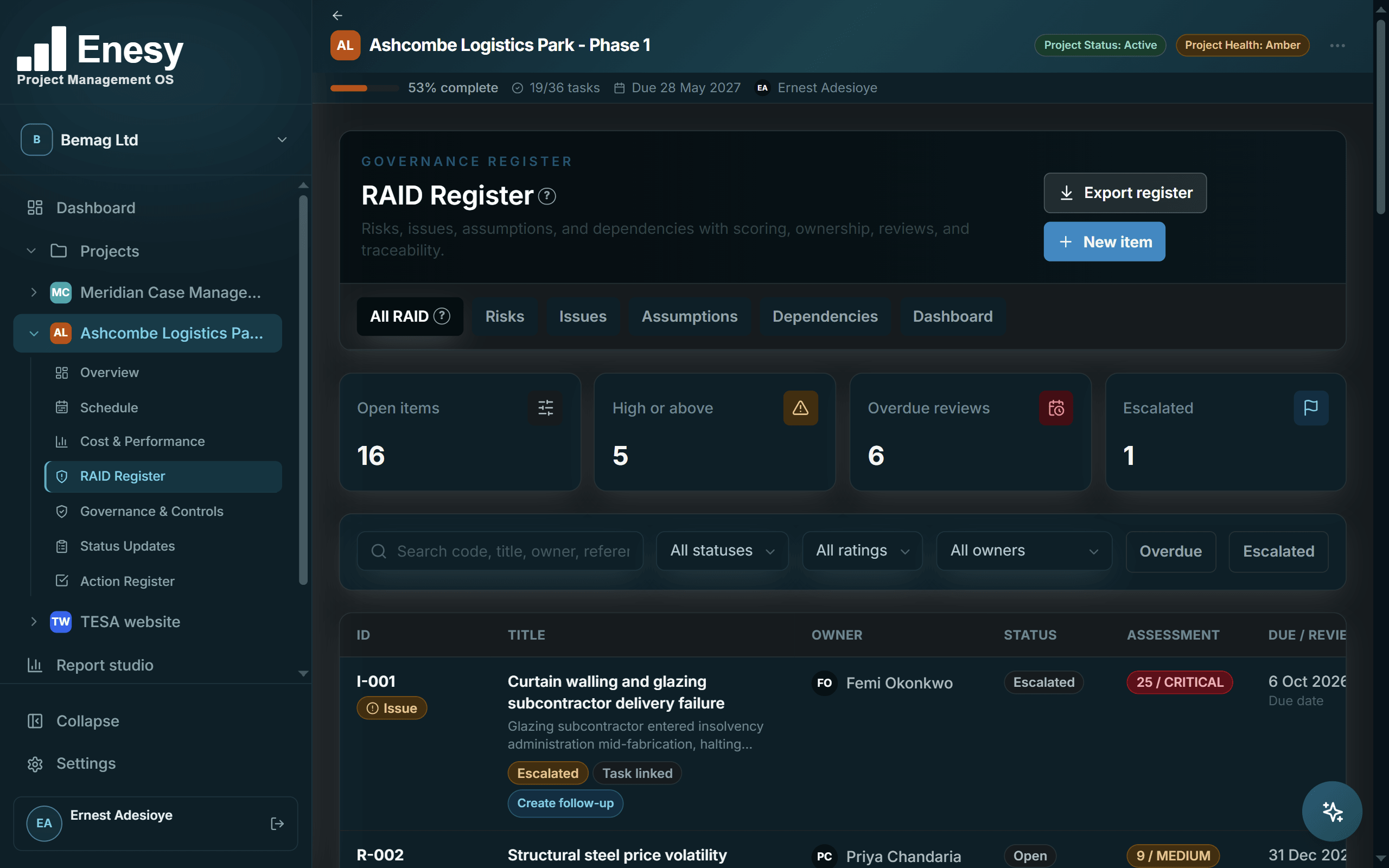
RAID register

Risks, assumptions, issues, dependencies — scored, owned, reviewed.

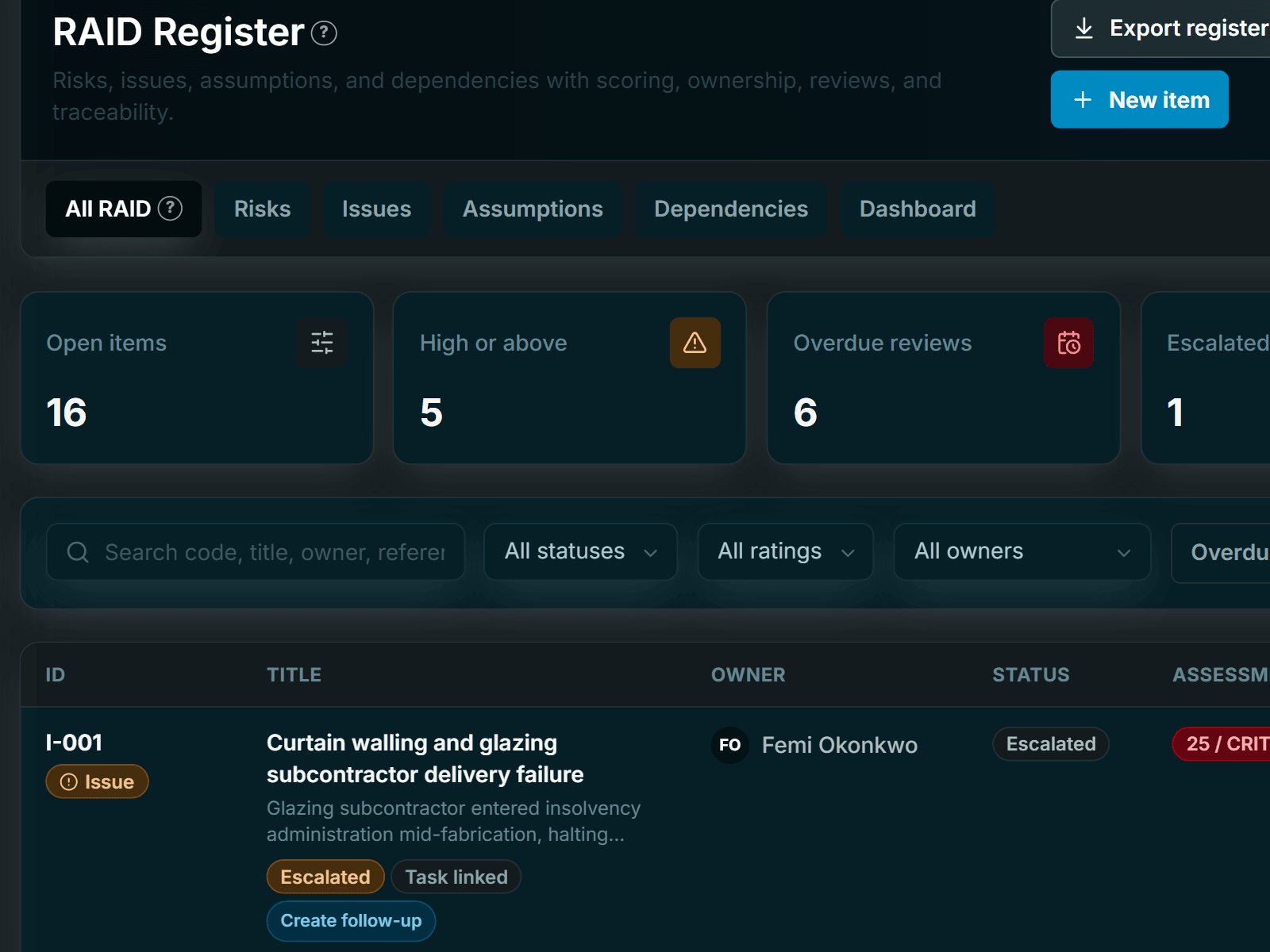
5×5 likelihood and impact scoring, response strategies, review cadence and escalation, in a register you can hand to an auditor.
5×5 scoring · Review cadence · Excel export
Enesy RAID register with scored risks, issues, assumptions and dependencies, owners and review datesEnesy RAID register with scored risks, issues, assumptions and dependencies, owners and review dates
Cost & performance

Earned value without the spreadsheet.

Set a baseline, capture actuals, and Enesy computes planned value, earned value and actual cost — with performance snapshots you can compare period to period.
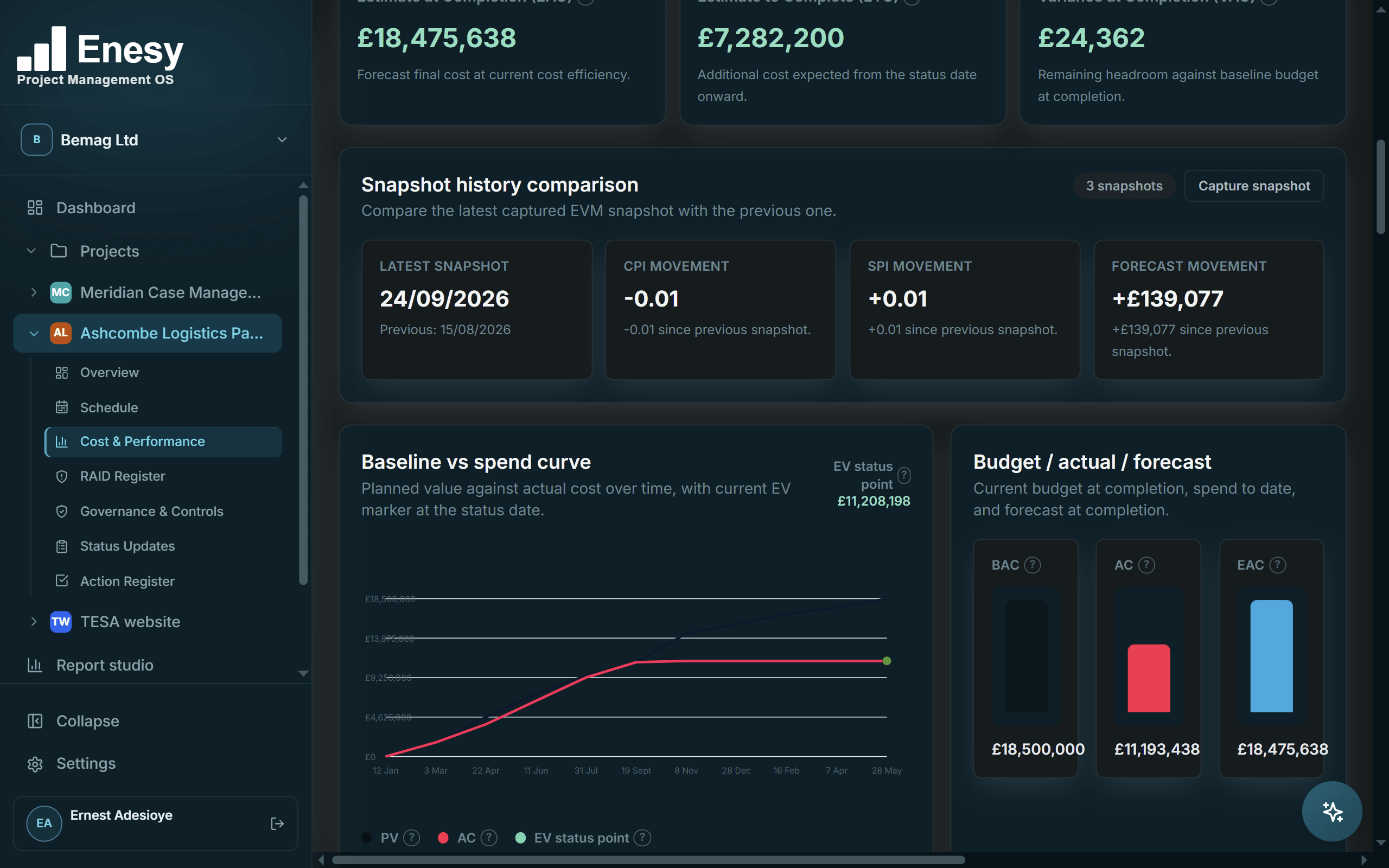
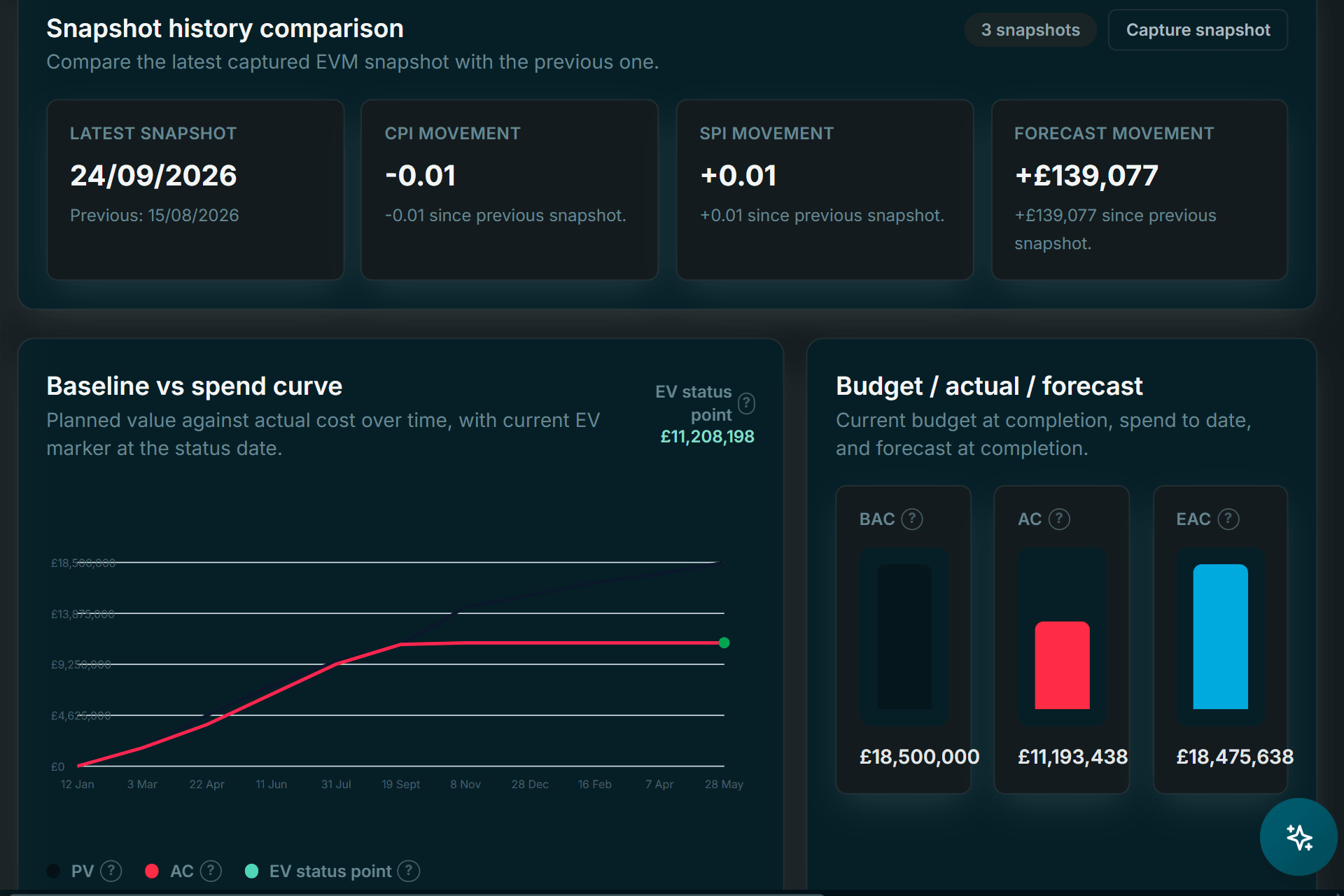
PV · EV · AC · CPI · SPI · EAC · VAC
Enesy cost and performance view with snapshot comparison, baseline versus spend curve and budget, actual and forecastEnesy cost and performance view with snapshot comparison, baseline versus spend curve and budget, actual and forecast
Decisions, approvals & audit trail

Who decided what, when — and why.

Decisions and approvals flow through one controlled channel. Every change to a risk, baseline or status update is written to an immutable audit trail with before-and-after values.
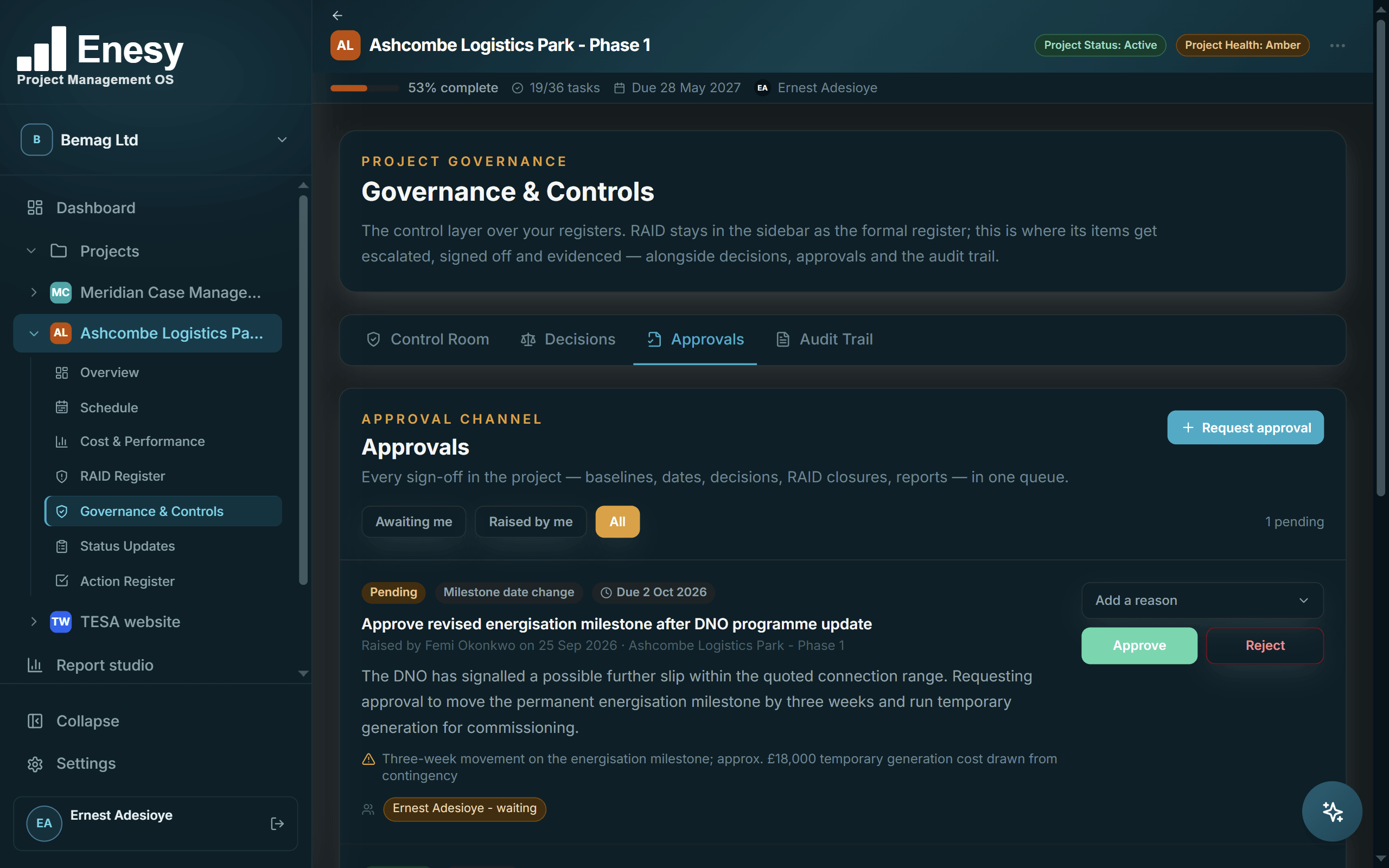
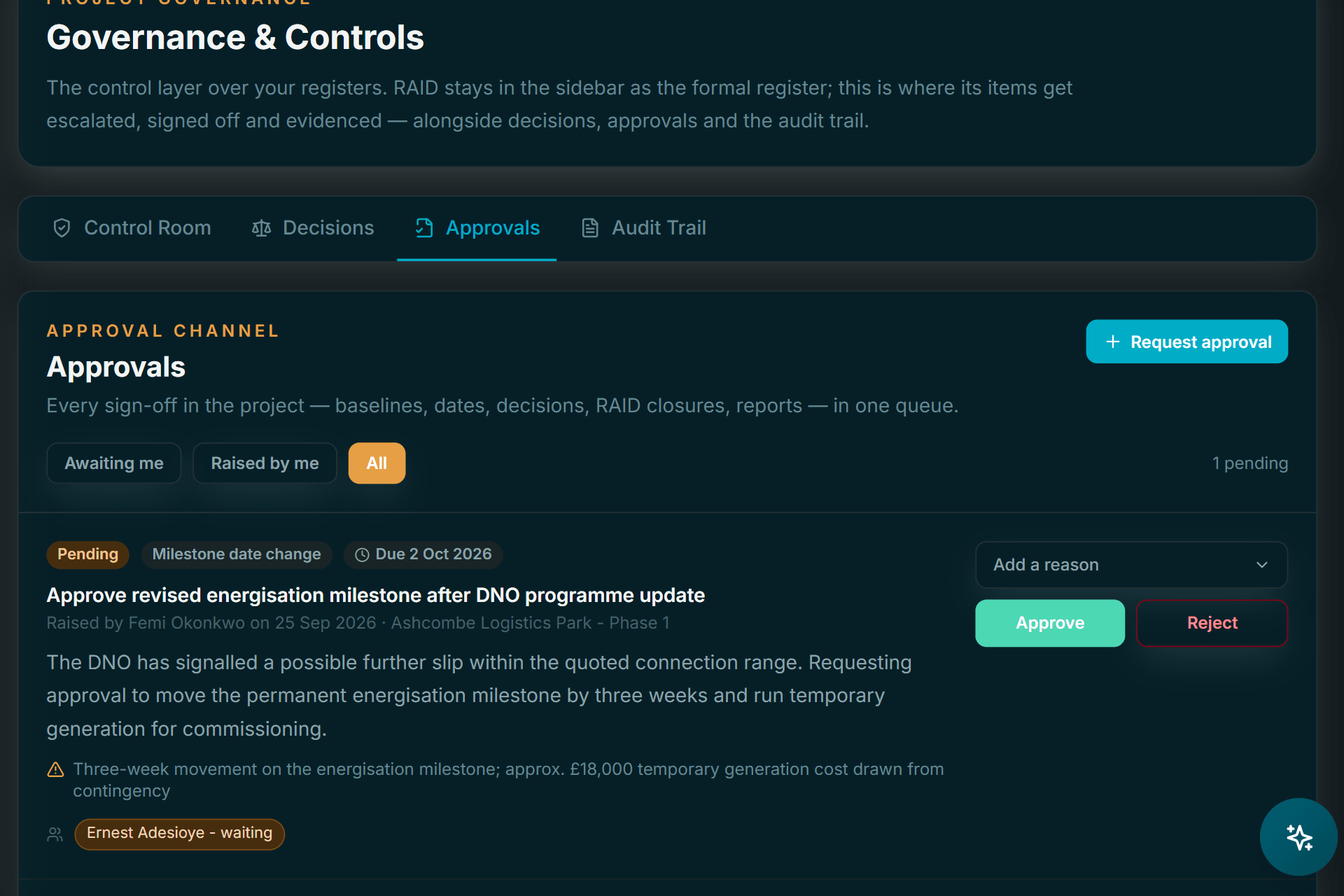
Single or multi-stage sign-off · Immutable audit
Enesy approvals queue with a pending milestone date change awaiting sign-off and approved requestsEnesy approvals queue with a pending milestone date change awaiting sign-off and approved requests
Follow-up & commitments

What was promised, by whom — and the evidence it happened.

Track supplier, sponsor and team commitments against their due dates, and chase what is slipping before it becomes an issue. Escalate to the PM, the board, the sponsor or an executive; every commitment links back to the RAID item or decision it came from.
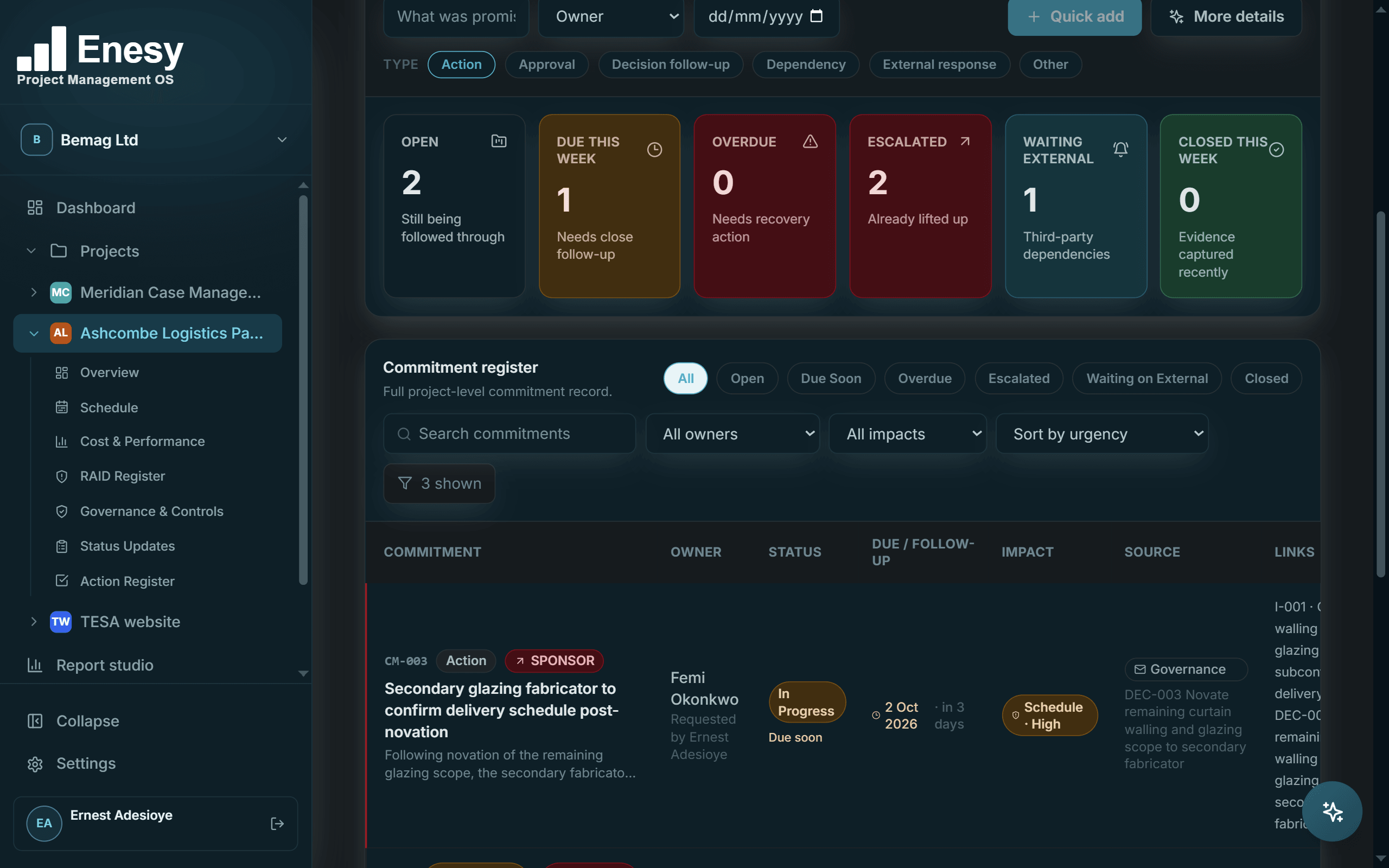
Escalate by level · Linked at source · Closed with evidence
Enesy follow-up and commitments register with supplier and sponsor commitments, escalations and due datesEnesy follow-up and commitments register with supplier and sponsor commitments, escalations and due dates
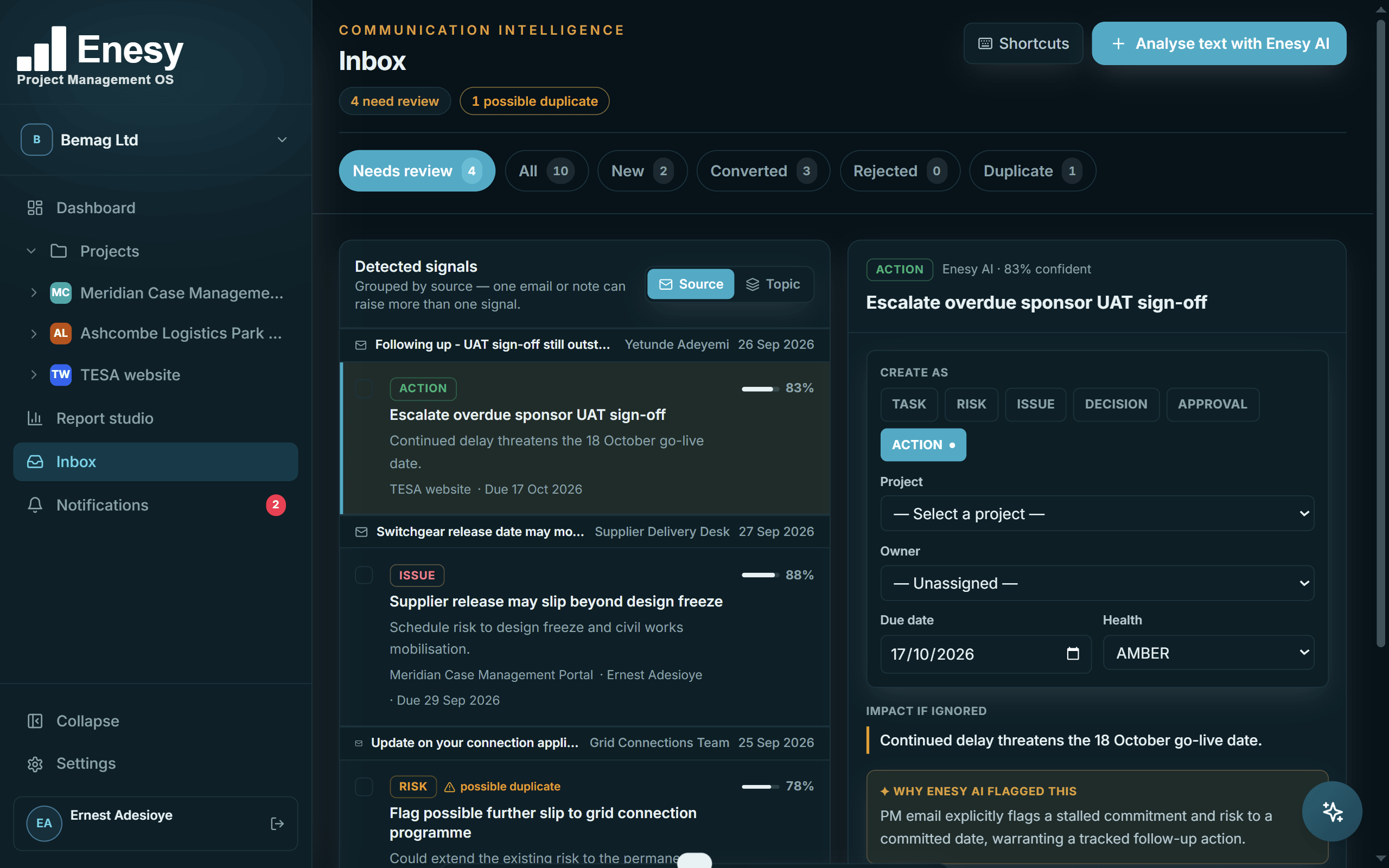
Inbox AI

Your inbox already knows what's next.

  • Connect Gmail or Outlook. Enesy reads incoming mail and recognises tasks, risks, issues, decisions, approvals and actions — meaning, not keywords.
  • It suggests the project, the owner and the due date it found in the thread, and tells you why it flagged it.
  • You approve or dismiss every one. Nothing is created silently, and it spots likely duplicates of what is already logged.
See how a project gets started
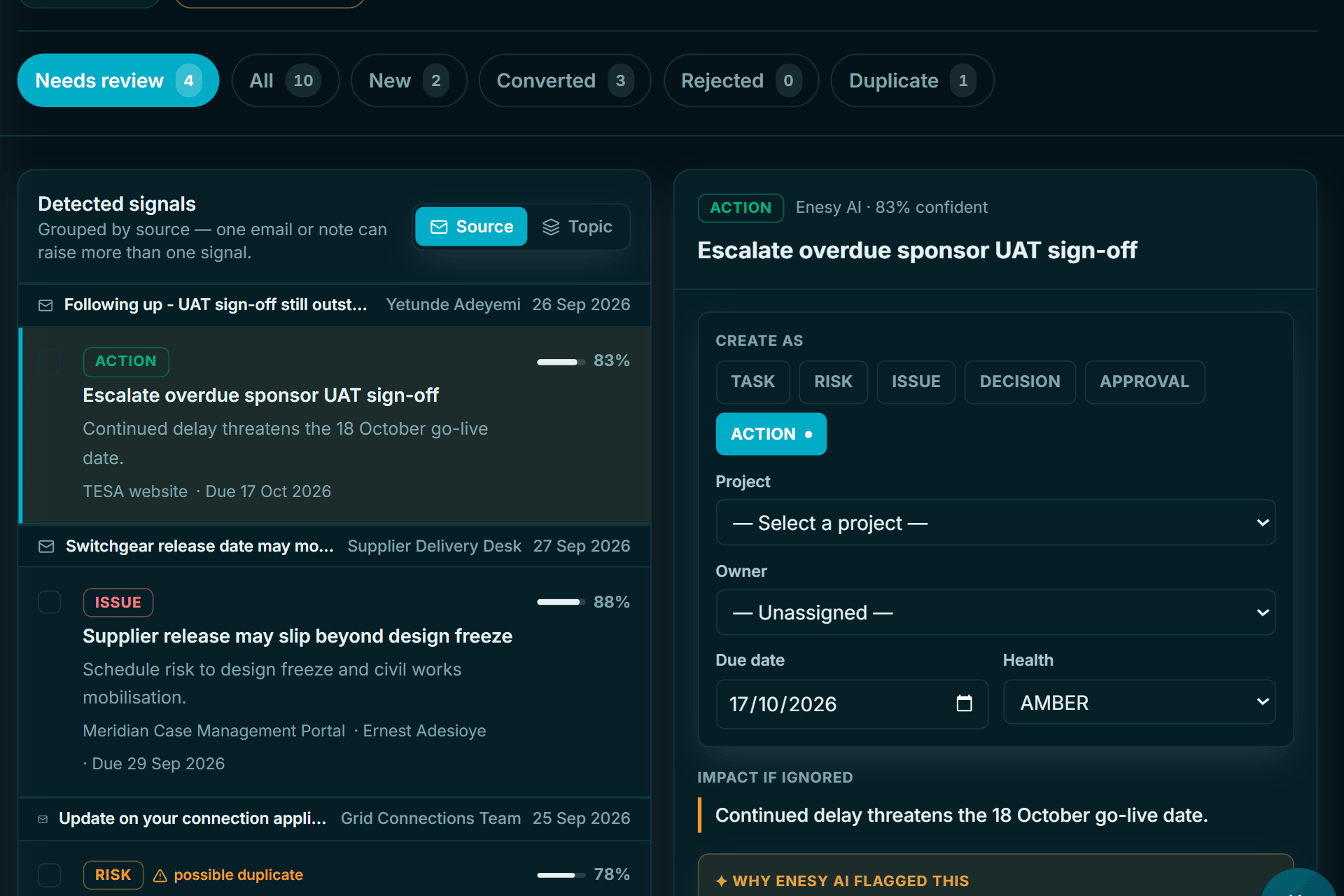
Enesy Inbox AI review queue: signals detected in emails, each with a suggested type, project, owner, due date and the reason Enesy AI flagged itEnesy Inbox AI review queue: signals detected in emails, each with a suggested type, project, owner, due date and the reason Enesy AI flagged it
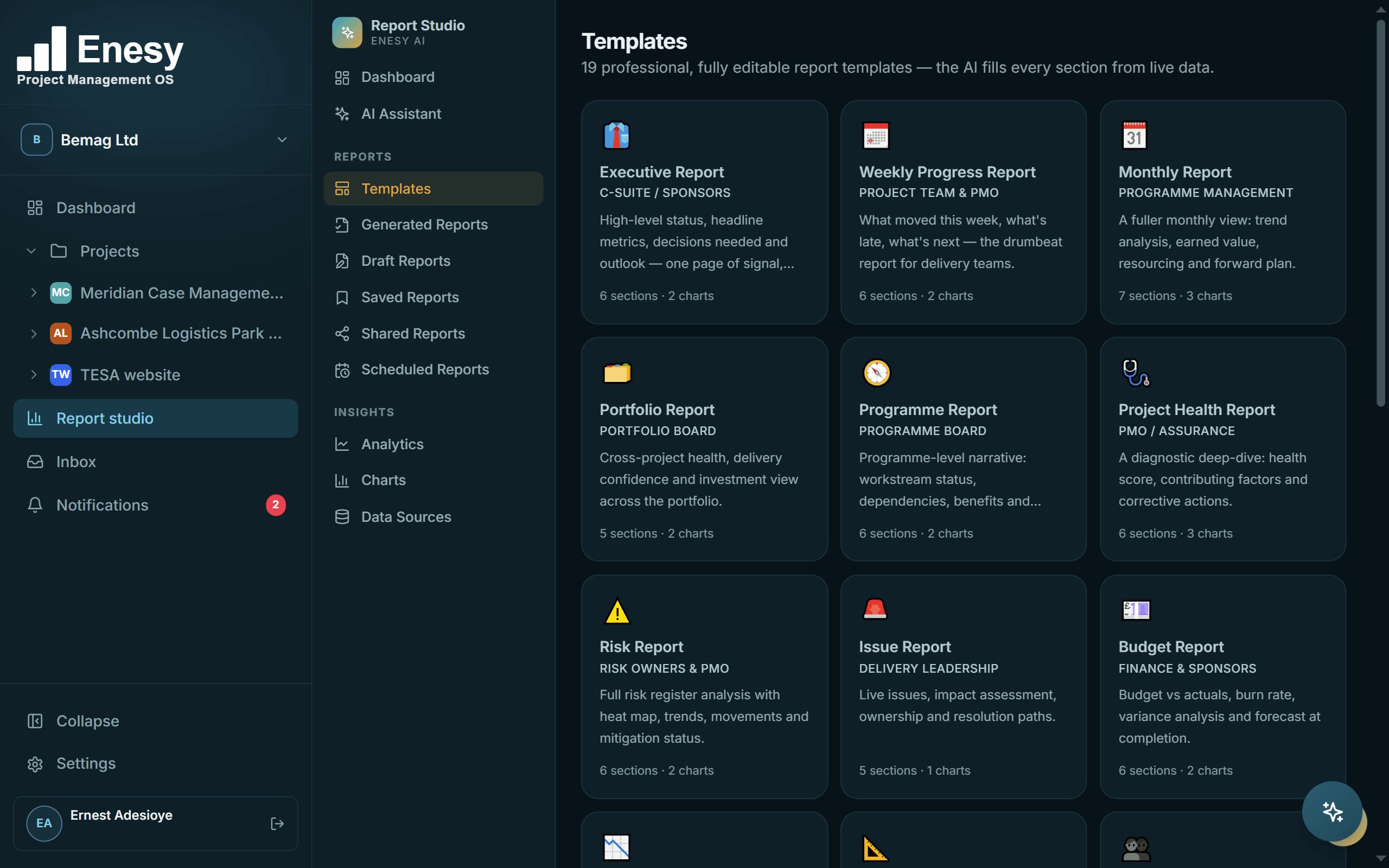
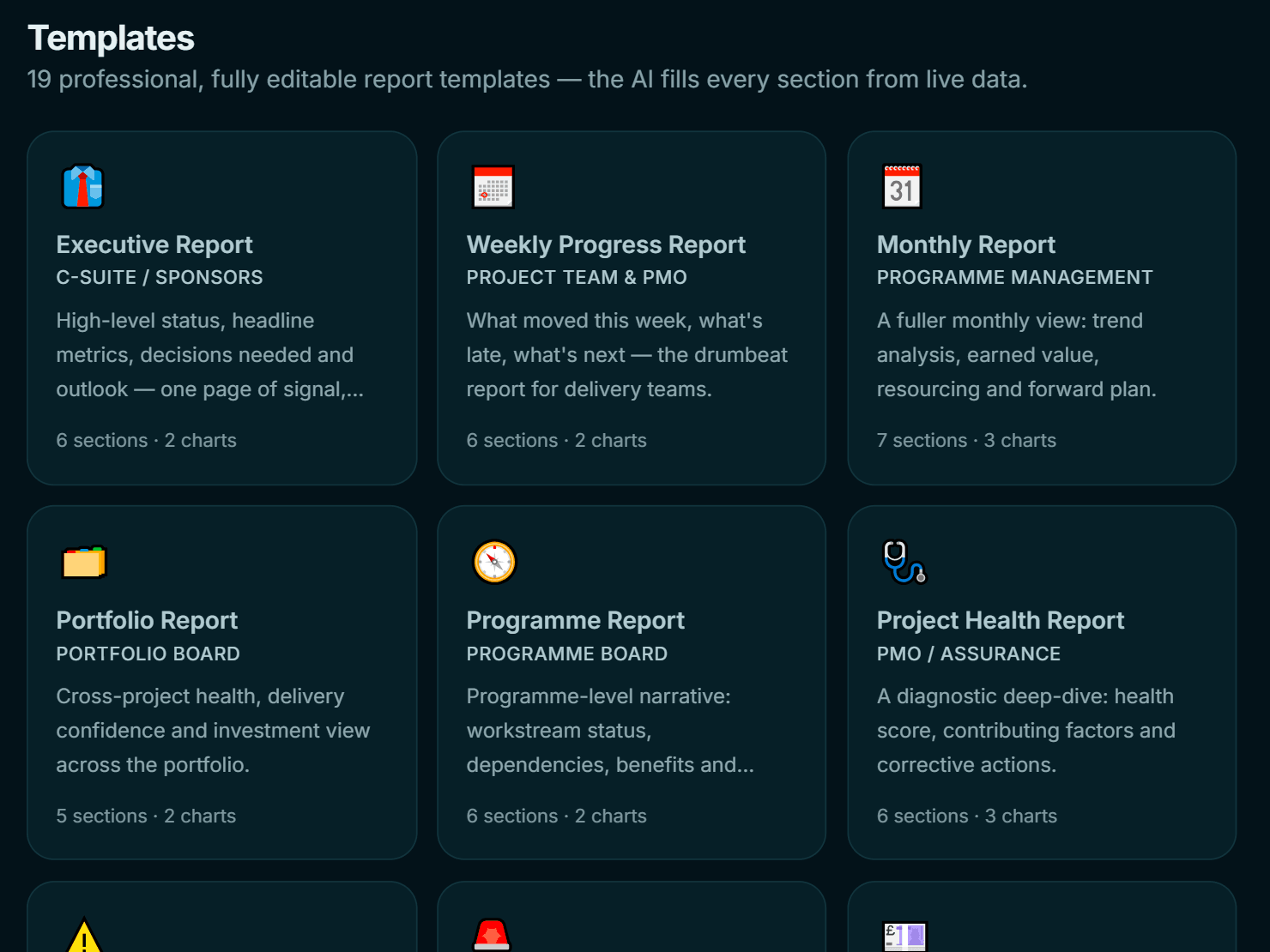
Enesy Report Studio template library: executive, weekly, monthly, portfolio, risk, budget and earned value reportsEnesy Report Studio template library: executive, weekly, monthly, portfolio, risk, budget and earned value reports
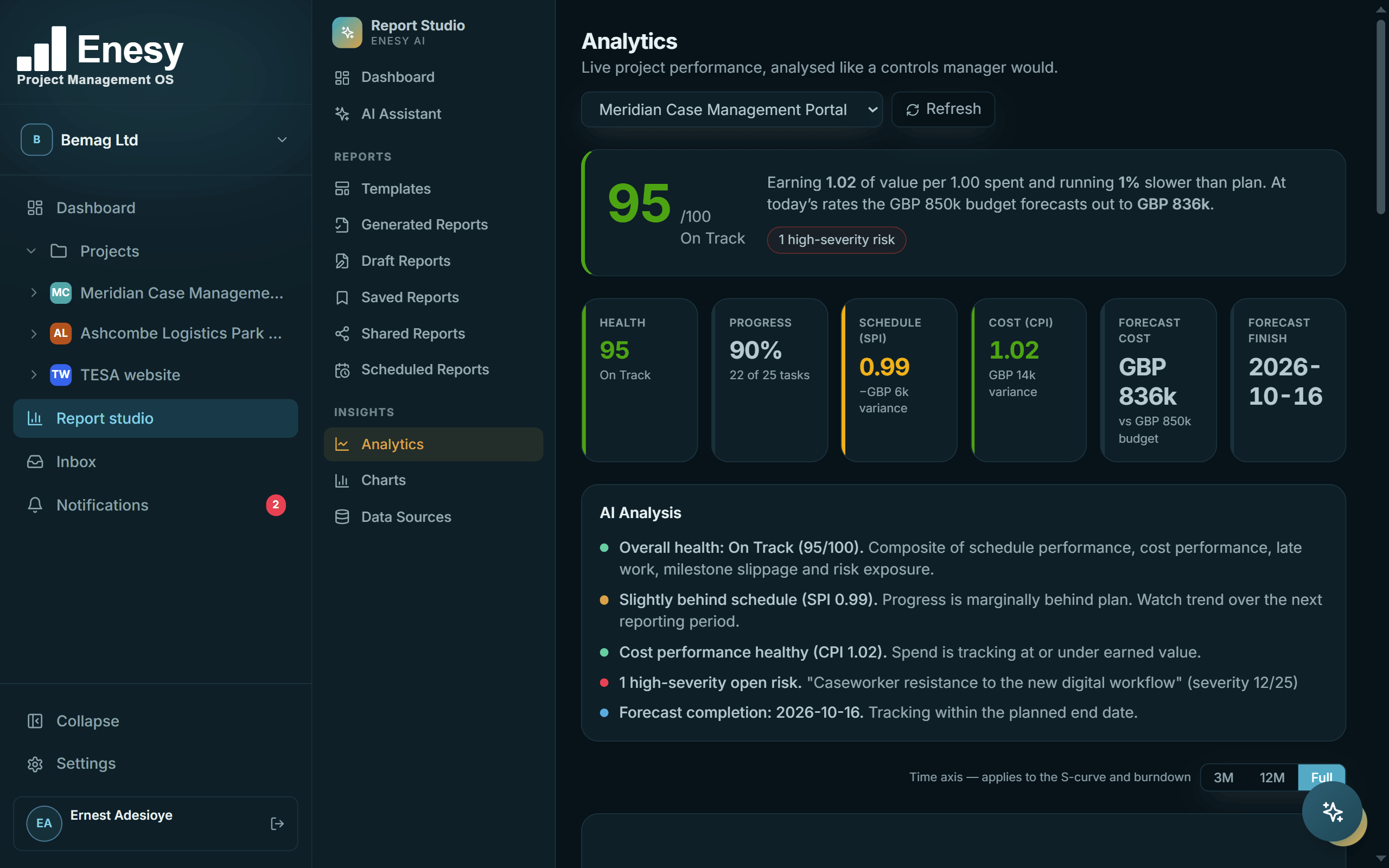
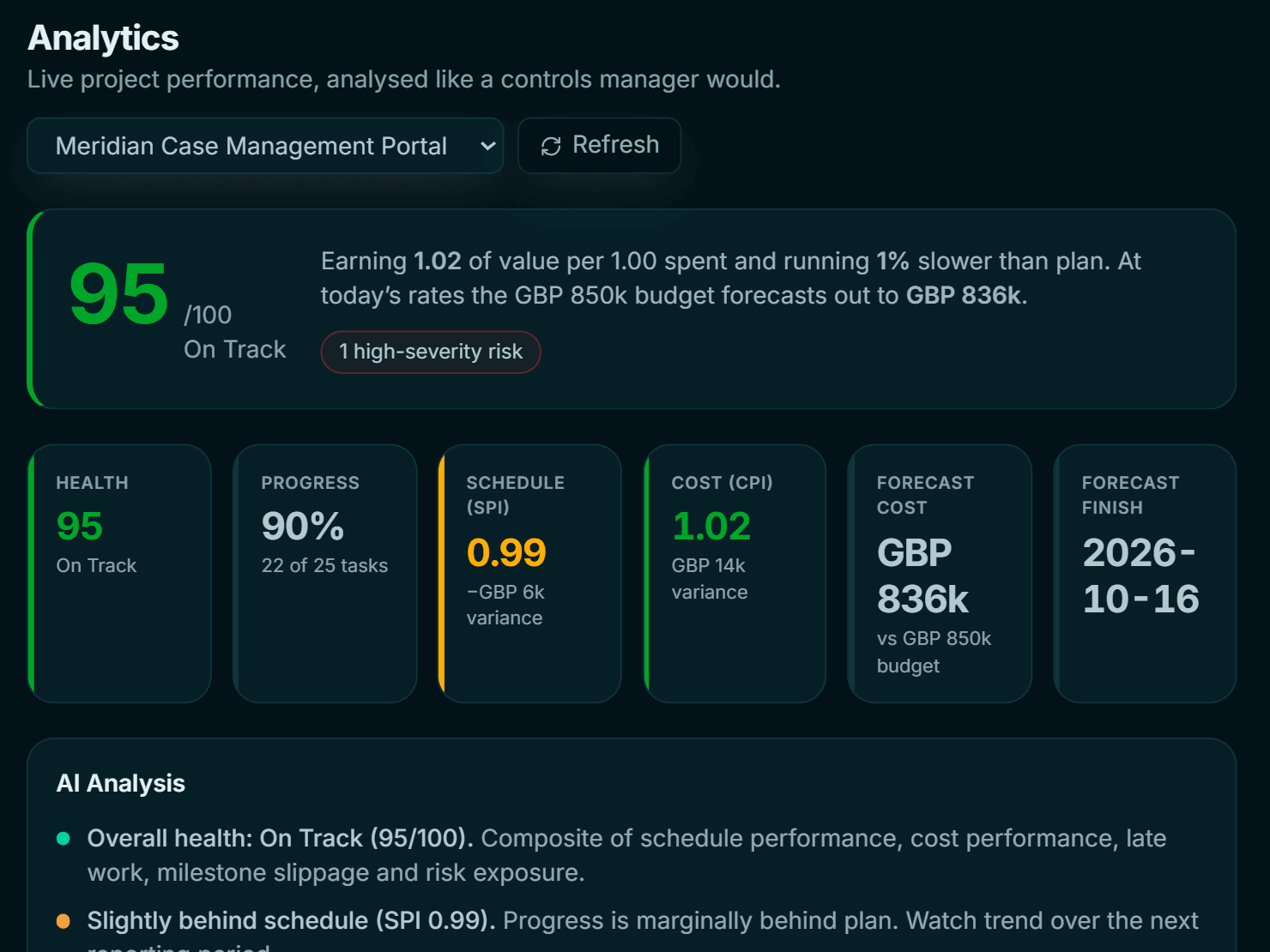
Enesy Report Studio analytics with a health score, SPI, CPI, forecast cost and an AI-written analysis
Report Studio

From live data to board pack in seconds.

Pick a template, pick a period, and Enesy drafts the narrative from your actual schedule, RAID, earned value and status updates — then exports it. Schedule it monthly and it lands in the chair's inbox before you've made a coffee.

  • 19 templates for boards, sponsors and teams — executive, weekly, portfolio, risk, budget, earned value and more.
  • Only published data goes in — drafts and unpublished updates are excluded automatically.
  • White-label on Agency — your logo, your colours, your client's name on the cover.
PowerPointExcel
How it works

Up and running before the next stand-up.

No consultant, no six-week implementation. Three steps, in order — bring the plan you already have and carry on from there.

STEP 01

Create your workspace

Name your organisation and invite the team. Roles are built in: owner, admin or member for the workspace; lead, admin, member or viewer on each project.

~ 3 MINUTES
STEP 02

Bring in the plan

Import from MS Project XML, Excel, CSV or PDF — or build it on the Gantt. Open the RAID register, set a cost baseline and connect an inbox.

~ 30 MINUTES
STEP 03

Run it, every week

Approve inbox signals, publish the weekly RAG status update and review RAID. When the board asks, generate the pack from what's already there.

ONGOING · ~ 20 MIN / WEEK
Trust & security

Controls you can show an auditor.

Governance data is sensitive. Here is where it lives, who can see it, and how every change is recorded.

Import your existing schedule

Bring in an MS Project XML, Excel, CSV or PDF schedule, then carry on in the Gantt.

Encrypted inbox tokens

Gmail and Outlook connection tokens are encrypted with AES-256-GCM before they are stored.

Role-based access

Owner, admin and member across the workspace; lead, admin, member or viewer on each project.

Immutable audit trail

Changes to risks, baselines and status updates are recorded with before-and-after values.

Enesy AI suggests. You decide.

Every AI suggestion waits for a person to approve it before it becomes a task, risk or approval.

Your data, exportable

Export the RAID register to Excel and reports to PowerPoint or Excel whenever you need them.

Want the detail? Read our privacy policy and subprocessor list.

Pricing

Start free. Scale when the portfolio does.

One project free, forever. Upgrade for unlimited projects, connected inboxes, earned value and governance — priced per seat, in pounds, cancel any time.

Launch offer — 3 months of Team, free

Sign up between 4 January and 31 March 2027 and your workspace runs at full Team-level capacity for 90 days. No card. We'll email you a week before it ends; after that it moves to Free unless you choose a plan.

04 JAN → 31 MAR 2027
Free
Try Enesy on a single project.
£0FOREVER
  • 1 active project
  • Core scheduling & RAID
  • No earned value (EVM)
  • No inbox AI
  • 100 AI actions / month
  • Report Studio, on demand
Start free
Pro
For individual PMs running real delivery.
£10PER SEAT / MONTH
  • Unlimited projects
  • Full scheduling, RAID & earned value
  • 1 connected inbox
  • 1,000 AI actions / month
  • Report Studio + scheduled reports
Choose Pro
Launch offer · free 90 days
Team
For teams who need governance and oversight.
£20PER SEAT / MONTH
£0 for your first 90 days if you sign up before 31 Mar
  • Everything in Pro
  • 3 connected inboxes
  • 2,000 AI actions / month
  • Governance: decisions, approvals, commitments
  • Immutable audit trail
Start on Team, free
Agency
For agencies and PMOs at scale.
Custom
  • Everything in Team
  • Unlimited connected inboxes
  • Unlimited AI actions
  • White-labelled reports
  • Priority support & onboarding
Talk to us

Prices in GBP, ex VAT. Seats are billed per workspace member with edit access. Downgrade or cancel from Settings → Billing at any time.

Questions

Before you sign up.

The questions people ask most before they move a live project across.

Something else? Email us — a person replies.

Can I bring in my existing programme?
Yes. Import an MS Project XML file, an Excel or CSV export, or a PDF straight into the schedule, then carry on in the Gantt.
How is Enesy different from Microsoft Project or Planner?
Keep them if they suit you — Enesy imports MS Project XML, so your programme comes with you. The difference is everything around the schedule: the RAID register, cost baseline and earned value, decisions, approvals, commitments and board reporting live in the same governed record, so they cannot drift apart, and Inbox AI turns project email into items you approve.
Do I need a card to start?
No. The Free plan needs no card, and workspaces created between 4 January and 31 March 2027 run at Team level for 90 days without one.
What happens when the 90-day launch offer ends?
We email you a week before it ends. After that your workspace moves to Free unless you choose a plan.
Who counts as a seat?
Seats are billed per workspace member with edit access. Prices are in GBP and exclude VAT.
What does Enesy do with my email?
When you connect Gmail or Outlook, Enesy reads incoming mail to spot tasks, risks, issues, decisions, approvals and actions. Each one waits in your review queue — nothing is created until a person approves it.
Where is my data stored?
In the EU: the database and the application both run in Dublin, Ireland. When you use an AI feature, the text sent to generate the answer is processed by our AI provider on servers in Singapore. Inbox connection tokens are encrypted with AES-256-GCM. The full list of providers is on our subprocessors page.
Is Enesy only for construction?
No. It suits any delivery that has to be controlled and reported on — capital works, digital transformation and website builds all run side by side in the same workspace.
Can I downgrade or cancel?
Yes, at any time, from Settings → Billing.
Launching 4 January 2027

Be in the first cohort.

Sign up in the launch window and run your projects on Team-level access, free, for your first 90 days. Bring one project or the whole portfolio.

—Days
—Hours
—Minutes